10 Quickfire Premiere Pro Tips for Beginners
Project Type: Educational Content / YouTube Tutorial
Role: Content Creator, Video Editor & Presenter
Tools: Adobe Premiere Pro
Overview
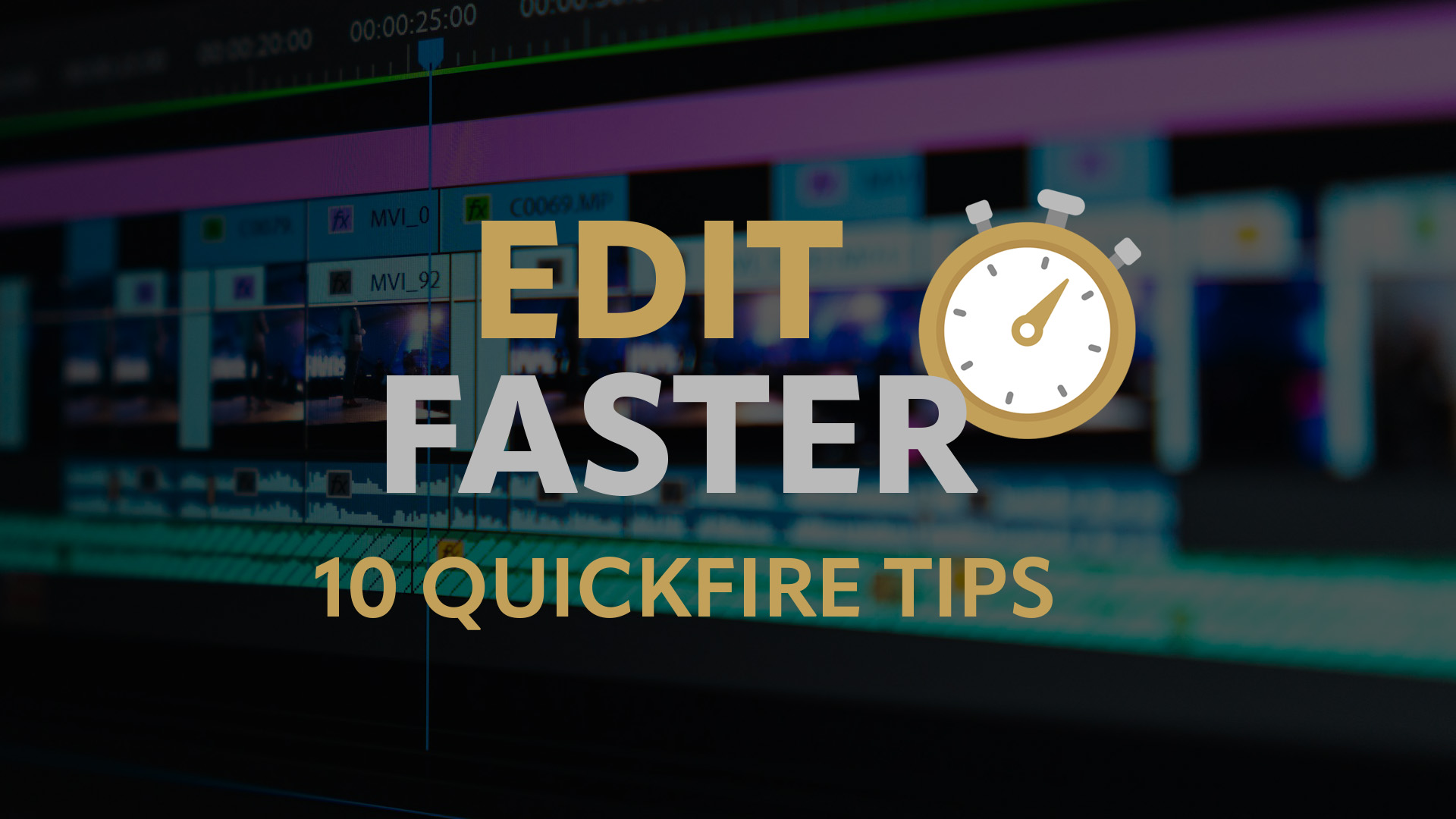
Created for my YouTube channel, this fast-paced tutorial shares ten practical Adobe Premiere Pro tips designed to help beginners edit more efficiently. The video focuses on everyday shortcuts and workflow improvements that can save time while introducing users to features they may not have discovered on their own.
Covering everything from keyboard shortcuts and timeline management to audio editing and transitions, the tutorial provides quick, actionable techniques that viewers can immediately incorporate into their own editing projects.
My Approach
The tutorial was designed to deliver maximum value in a short format by presenting ten easy-to-follow tips that improve editing speed and workflow. Each technique is demonstrated clearly with practical examples, allowing viewers to understand not only how each feature works, but also when it can be used to streamline the editing process.
By keeping the explanations concise and focused, the video encourages viewers to build confidence with Premiere Pro while developing faster, more efficient editing habits.
Skills Demonstrated
- Adobe Premiere Pro
- Video editing workflows
- Educational content creation
- Tutorial scripting and presentation
- Video production
- Workflow optimisation
- Digital content creation
Outcome
The completed tutorial provides a collection of practical editing techniques that help beginners work more efficiently in Adobe Premiere Pro. It demonstrates my ability to communicate technical concepts in a clear, engaging format while creating educational content that delivers immediate value to creative professionals and aspiring video editors.