Split Frame Slide Transition Tutorial
Project Type: Educational Content / YouTube Tutorial
Role: Content Creator, Video Editor & Presenter
Tools: Adobe Premiere Pro
Overview
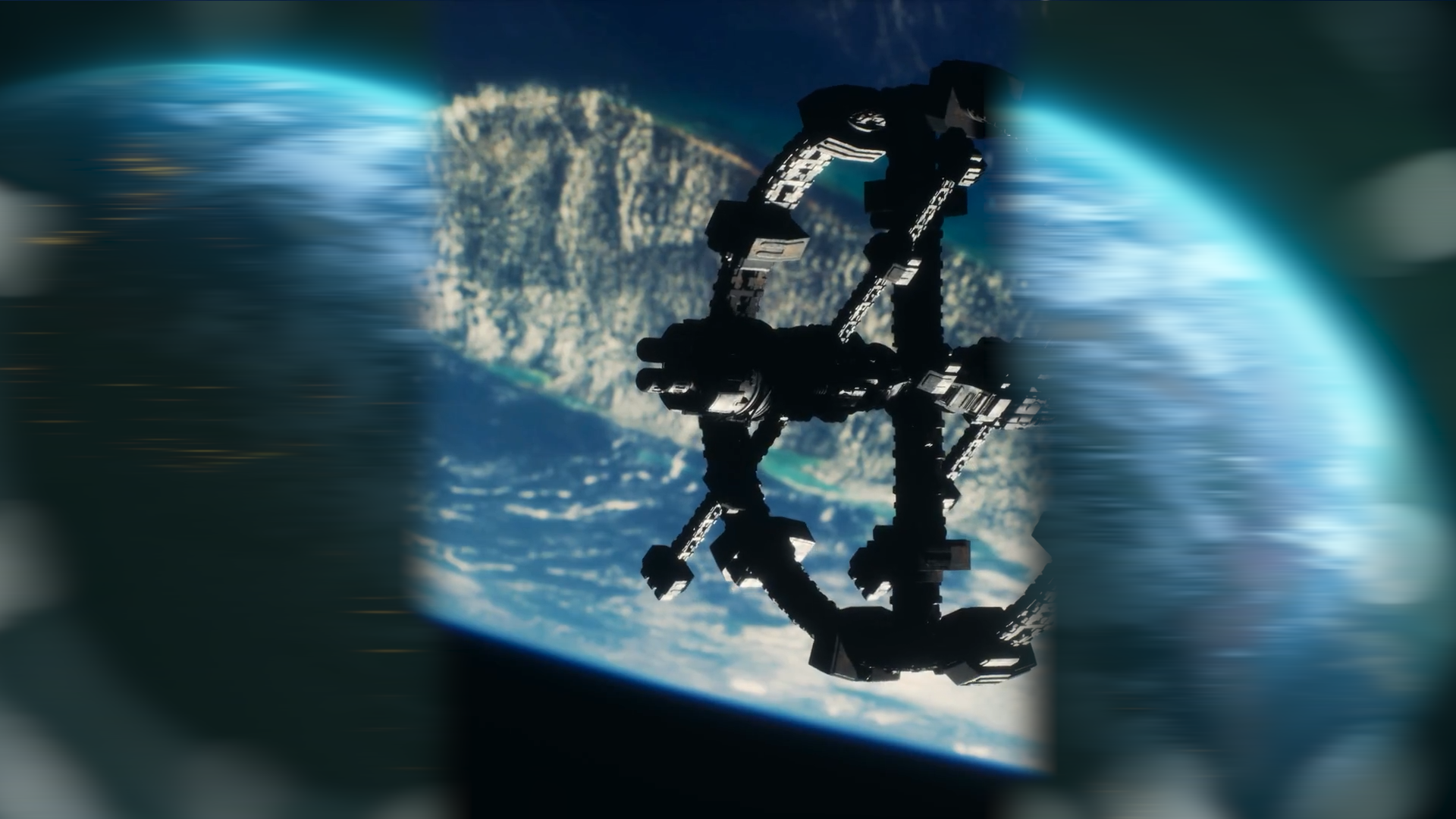
Created for my YouTube channel, this beginner-friendly tutorial demonstrates how to create a professional split frame slide transition in Adobe Premiere Pro using only built-in effects. The video shows viewers how to produce a smooth, dynamic transition without relying on third-party plugins, making the technique accessible to editors of all experience levels.
Using a combination of Crop, Directional Blur and keyframe animation, the tutorial walks through the complete process of splitting the frame into two animated panels before adding realistic motion blur to create a polished transition suitable for a wide variety of video projects.
My Approach
The tutorial was designed to simplify what appears to be a complex transition by breaking it down into clear, manageable steps. Beginning with duplicated video layers, the workflow demonstrates how to crop each section of the frame, animate opposing slide movements using position keyframes, and enhance the final result with Directional Blur to create smooth, natural motion.
By explaining each stage of the process, the tutorial helps viewers understand not only how to recreate the transition, but also how the same techniques can be adapted to produce their own custom transitions and creative video effects.
Skills Demonstrated
- Adobe Premiere Pro
- Motion graphics
- Keyframe animation
- Video transitions
- Visual effects
- Educational content creation
- Tutorial scripting and presentation
- Digital content production
Outcome
The completed tutorial provides viewers with an easy-to-follow method for creating a professional split frame slide transition suitable for YouTube videos, promotional content and creative edits. It highlights my ability to transform practical editing techniques into engaging educational content while helping other creators improve their video production skills.