Kinetic Typography Wave Effect Tutorial
Project Type: Educational Content / YouTube Tutorial
Role: Content Creator, Video Editor & Presenter
Tools: Adobe Illustrator
Overview
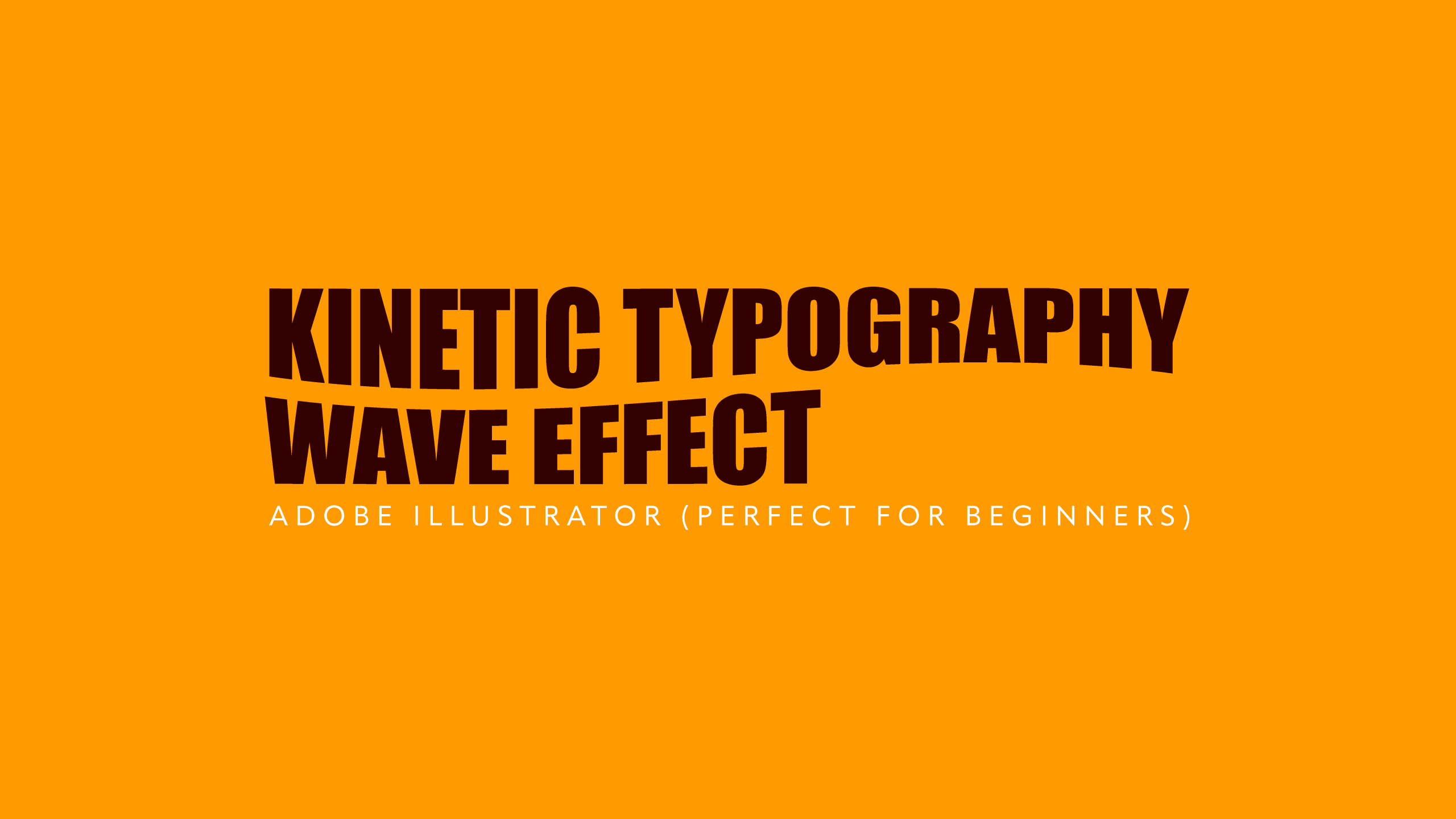
Created for my YouTube channel, this beginner-friendly tutorial demonstrates how to create a dynamic kinetic typography wave effect in Adobe Illustrator using built-in tools and non-destructive editing techniques. The tutorial shows viewers how to transform static text into flowing, expressive typography suitable for posters, social media graphics, branding and creative digital artwork.
Using vector outlines, Envelope Distort and manual anchor point adjustments, the tutorial guides viewers through the complete process of creating a custom wave effect while maintaining flexibility for further editing and refinement.
My Approach
The tutorial was designed to introduce viewers to the creative possibilities of Illustrator's vector tools by demonstrating how typography can be manipulated beyond its traditional form. Beginning with a bold typeface, the workflow converts editable text into vector outlines, allowing each character to be reshaped with precision while maintaining clean, scalable artwork.
Rather than relying solely on automated effects, the tutorial combines Illustrator's Envelope Distort feature with manual refinement using anchor points and Bézier handles. This approach encourages viewers to understand how the generated wave can be customised, giving them greater creative control over the final design instead of accepting a one-click result.
The tutorial also demonstrates how to continue editing the artwork after distortion has been applied, showing viewers how colour and styling can still be modified without rebuilding the effect. By explaining both the creative decisions and the technical process, the tutorial helps users develop a deeper understanding of Illustrator's typography and vector editing capabilities.
Skills Demonstrated
- Adobe Illustrator
- Typography Design
- Vector Illustration
- Envelope Distort
- Vector Editing
- Graphic Design
- Educational Content Creation
- Tutorial Scripting and Presentation
- Digital Content Production
Outcome
The completed tutorial provides viewers with an accessible method for creating an engaging kinetic typography wave effect that can be adapted for posters, branding, social media graphics and digital artwork. It showcases my ability to explain professional design techniques in a clear, approachable way while encouraging creatives to experiment with Illustrator's powerful vector editing tools to produce unique and visually engaging typography.